


Single Draft Locking: Ending the "Who Edited This Invoice Last?" Chaos
Learn how to secure your billing workflow and prevent duplicate invoice edits today.
Executive Summary: The "Version Conflict" in High-Velocity Teams
Imagine a busy dispatch floor at 5:00 PM. A sales coordinator is updating the final quantity on a Sales Order for your biggest distributor. Simultaneously, a finance executive opens the same order to update the tax ledger.
They both hit "Save."
In most legacy systems, the last person to save "wins." The previous edits are overwritten silently. The sales coordinator thinks the quantity is 500. The finance exec thinks the tax is corrected. The invoice prints with the old quantity and the new tax.
The result? A dispute. A debit note. A delayed payment. And a frustrated customer asking, "Can you people get your internal coordination right?"
This phenomenon is known as a Race Condition. In software engineering, it is a critical bug. In business operations, it is a daily disaster.
As mid-market enterprises (₹50 Cr – ₹1500 Cr) scale, they move from "One Accountant" to "Multi-User Operations." However, without strict governance, multi-user access becomes multi-user chaos.
This blog post explores how Single Draft Locking—a sophisticated version control mechanism embedded in Effortless—acts as the polite traffic policeman for your data.
We analyze why this "Hard Lock" is essential for audit integrity and how it prevents the silent data corruption that manual billing workflows often hide.
1. The Invisible Risk of "Concurrent Editing"
Why does this happen? Because standard accounting software (like Tally setups) wasn't originally designed for distributed, simultaneous editing by sales, logistics, and finance teams.
The Scenario:
User A (Sales): Opens Invoice #1024 to change the delivery address.
User B (Warehouse): Opens Invoice #1024 to add the dispatch vehicle number.
The Conflict: User A saves. User B saves 10 seconds later. User B's version (which has the old address) overwrites User A's version.
The Outcome: The truck goes to the wrong address.
This isn't malicious; it's structural. Manual billing and delayed collections drain MSMEs with hidden costs—and re-shipping goods because of overwritten data is a massive hidden cost.
2. The "Soft Lock" Failure
Some ERPs try to solve this with a "Soft Lock"—a small warning banner saying "Someone else is viewing this."
But in the heat of month-end closing, users ignore soft warnings. They click "Proceed anyway."
A soft lock relies on human politeness. A high-velocity business needs system enforcement.
To achieve true change management finance discipline, you need to remove the option to make a mistake.
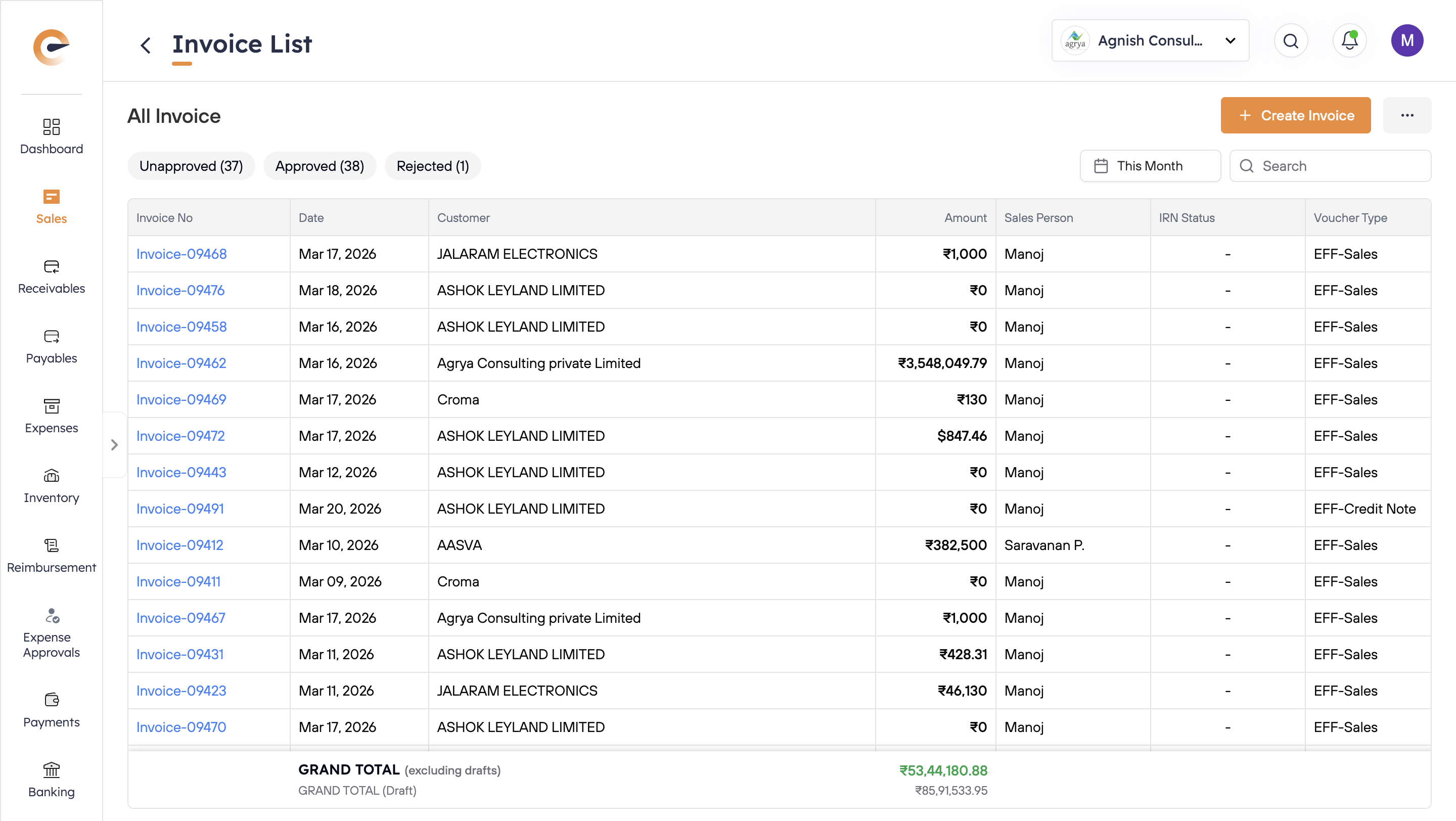
3. The Effortless Solution: The "Hard Lock" Protocol
Effortless implements a strict Single Draft Control mechanism. It treats every transaction (Invoice, PO, Voucher) as a "Single-Threaded Asset."
How It Works:
Step 1: The "Checkout"
When User A (Sales) clicks "Edit" on Invoice #1024, the system effectively "checks out" that document. It places a digital padlock on the file ID.
Step 2: The "Block" (The Hero Feature)
User B (Finance) tries to open Invoice #1024.
Instead of loading the edit screen, Effortless triggers a hard-stop pop-up modal.
The Pop-Up Visual:
🚫 Invoice Edit in Progress
This invoice is currently being edited by [Ramesh - Sales Team].
You cannot make changes until they save or discard their draft.
[Close] | [Request Access]
Step 3: The Resolution
User B cannot proceed. They cannot "Save Over." They must wait.
This forces a verbal or digital coordination: "Ramesh, are you done with Invoice #1024? I need to add the tax details."
The Result: Linear editing.
Ramesh finishes -> Save ->Unlock ->Finance opens -> Edit -> Save.
Data integrity is preserved. 0% chance of overwrite.
4. Audit Integrity: Why Version Control Matters
Beyond preventing operational errors, Single Draft Locking is a critical component of financial governance.
The "Audit Trail" Mandate:
The Ministry of Corporate Affairs (MCA) requires software to maintain an Edit Log.
If User A and User B edit the same voucher simultaneously without locking, the Edit Log becomes a mess of conflicting timestamps. It looks suspicious to an auditor.
With Locking, the audit trail is clean and sequential:
10:00 AM: Created by Sales Rep (via mobile order-taking app).
10:15 AM: Edited by Warehouse (Added Dispatch Details).
10:30 AM: Approved by Finance (Final Posting).
This linear clarity is essential when you are IPO Ready or facing a tax scrutiny.
5. Empowering the Field Force
This locking mechanism is even more critical when you have a field sales software deployed.
The Field vs. Office Conflict:
Field Rep: Creates an order on the sales order Android app.
Office: Tries to change the price immediately.
If there is no lock, the rep might still be adding items while the office creates the invoice. The customer gets a half-filled bill.
The Effortless Sync Lock:
When a rep is actively building an order on the app, the "Draft" is locked to their device. The Head Office cannot "pull" and invoice it until the rep clicks "Submit." This ensures that only completed orders enter the fulfillment pipeline.
6. Conclusion: Order from Chaos
Scale creates noise. As you add more users—sales reps, accountants, warehouse managers—the noise of collaboration can drown out the signal of data.
Single Draft Locking is the noise-canceling headphone for your operations. It ensures that every transaction is treated with the respect of a financial contract. One author, one version, one truth.
Stop the "Who changed this?" shouting matches. Start locking your drafts.
Key Takeaways & FAQ
Q1: What if a user leaves the invoice open and goes to lunch? Does it stay locked forever?
A: No. Effortless includes an "Idle Timeout." If a user has a draft open but performs no activity for 10 minutes, the system auto-saves a draft and releases the lock, allowing others to access it.
Q2: Can an Admin override the lock?
A: Yes. In emergency cases (e.g., User A is sick and has a critical invoice open), an Admin with special permissions can use the Admin Approval Override feature to "Force Unlock" the document. This action is logged in the audit trail.
Q3: Does this locking apply to Tally users too?
A: Effortless locks the document within its own ecosystem (Desktop/Mobile App). Once the final invoice is synced to Tally via our Tally-integrated GST billing software India connector, Tally's native user controls take over. However, we recommend doing all operational edits in Effortless before the final sync to maintain the "Single Draft" integrity.
Q4: How does this help with multi-branch setups?
A: In a multi-branch GSTN billing solution, different branches might try to access shared inventory or transfer stock simultaneously. Locking ensures that Stock Item A isn't allocated to Branch X and Branch Y at the same split-second, preventing "negative stock" errors.
Suggested Reading from the Effortless Edge Blog
The "Month-End" Autopsy: Why Backdated Entries Are Destroying Your Audit Trail – More on maintaining data hygiene.
The "Maker-Checker" Shield: Protecting Your Tally Data from Unauthorized Edits – How to structure approvals securely.
Stop Being the Bad Guy: Letting Software Enforce Your Travel Policy – Automated governance for expenses.
The "Blind Spot" Audit: 5 Operational Metrics You Cannot See in Your Tally Profit & Loss
Is your team overwriting each other's work?
[See Governance Controls] and put a padlock on your process today.
Growth Doesn't Wait. Why Should You?
Let Effortless help you scale—without the scramble.
Talk to Us
Have questions about how Effortless can transform your business? Our team of experts is ready to help.
- Schedule a personalized demo
- Get your specific questions answered
- Discuss your unique business challenges
We'll reach out within 4 business hours
Request Demo
See Effortless in action with a personalized demo tailored to your business.
- No generic presentations
- Focus on your specific challenges
- Get a clear picture of your potential ROI
Choose a time that works for you
Your Growth Engine Starts Here
More growth, less overhead. Discover how India's fastest growing businesses do it.
- Automate invoicing, collections & approvals
- Track sales team performance
- Get cashflow clarity in real-time
Clarity in 30 minutes. No pressure, just proof.